
APPLE ECOSYSTEM
Your Apple experience,
in good hands.
From your first iPhone to a fully connected home — personal support through the entire Apple ecosystem. Patient. Thorough. At your pace.
Apple Ecosystem
Apple Ecosystem Support
Apple devices are at their best when they work together seamlessly — when Mac, iPhone, iPad, Apple Watch, and HomePod all know each other, and you feel at home in that system. That is exactly where I start.
I have been working in the Apple ecosystem since 2008. What sets me apart from a Genius Bar: I come to you, I take the time, and I explain everything so you genuinely understand it. No ticket system, no hotline — just one person who knows your setup.
Mac Setup & Maintenance
Your Mac is the centre of your digital life. Whether you have just unboxed a new one or want to finally configure your existing system the way it should be — I am with you every step of the way.
A proper setup involves more than creating a user account. I configure macOS to match how you actually work, set up Time Machine backups, optimise storage and power management, and install the applications you genuinely need — nothing more, nothing less.
For older Macs, I analyse your workflow, identify what is slowing things down, and make targeted adjustments that often achieve more than a new machine would. The problem is rarely the hardware — it is usually a system that was never properly configured in the first place.
What this service covers
- Mac initial setup and system configuration to match your preferences.
- User accounts, security policies, and access permissions.
- Time Machine backup setup on an external drive or NAS.
- Storage optimisation — what accumulates and how to clean it up.
- Software installation: only what you actually use.
- Performance tuning for older MacBooks and Mac mini.
- Connecting printers, scanners, and external devices to your home network.
- Safely removing third-party software and cleaning up leftover files.
A carefully configured Mac needs no attention — it simply works.
iPhone & iPad
iPhone and iPad are for many people the most important digital devices they own — and yet they are often the least well configured. Most run for years on default settings, when a few targeted adjustments would make daily life noticeably easier.
I set up your device to suit you: Face ID or Touch ID, Screen Time for children, Focus modes for concentrated work, notification management that actually filters. The optimal arrangement of apps and widgets — not Apple’s default layout, but one that fits how your day actually flows.
I also handle the connections between your devices: Handoff between Mac and iPhone, AirDrop, Universal Control, Continuity Camera. These features do not configure themselves — they need a correct underlying setup that I put in place once, properly.
What this service covers
- iPhone and iPad initial setup or fresh start after a reset.
- Face ID, Touch ID, and privacy settings configured.
- Focus modes, Screen Time, and parental controls.
- Email accounts, calendars, and contacts synchronised.
- Battery life optimised — without sacrificing functionality.
- Handoff, AirDrop, Continuity Camera, and Universal Control set up.
- App organisation and Home Screen layout built around your habits.
- Storage management: what is consuming space and what is safe to delete.
An iPhone that fits you does not feel like technology.
It feels like everyday life.
iCloud & Data Synchronisation
iCloud is the invisible backbone of the Apple ecosystem — and the most common source of confusion. Full storage, photos apparently missing, documents out of sync across devices: these problems almost always stem from an incomplete initial setup. I resolve them methodically, and explain both what happened and how to keep it from happening again.
We configure your iCloud storage plan, activate the right synchronisation options, and establish clear rules for what stays local and what lives in the cloud. iCloud Drive, Photos Library, Keychain, Mail, Notes, Reminders, Calendar — each service has its place, and I set it up so it works without your involvement.
For families, I set up Family Sharing: shared app purchases, shared iCloud storage, location sharing, and parental controls — all in one dashboard, without children being able to access the parent account.
iCloud Private Relay, Hide My Email, and further privacy features of iCloud+ plans are available on request. For anyone serious about privacy, Apple today offers more tools than any other mainstream provider — if you know where to look.
What this service covers
- iCloud storage plan configured and file structure tidied up.
- Photos Library: local archiving, optimisation, and synchronisation.
- Family Sharing set up and managed.
- iCloud Drive, Notes, Calendar, and Contacts synchronised across all devices.
- Keychain configuration for secure, cross-device passwords.
- iCloud Private Relay and Hide My Email activated.
- Old device backups removed to free up storage.
- Troubleshooting: sync errors, missing photos, lost documents.
When iCloud is set up correctly, you stop thinking about it.
That is the goal.
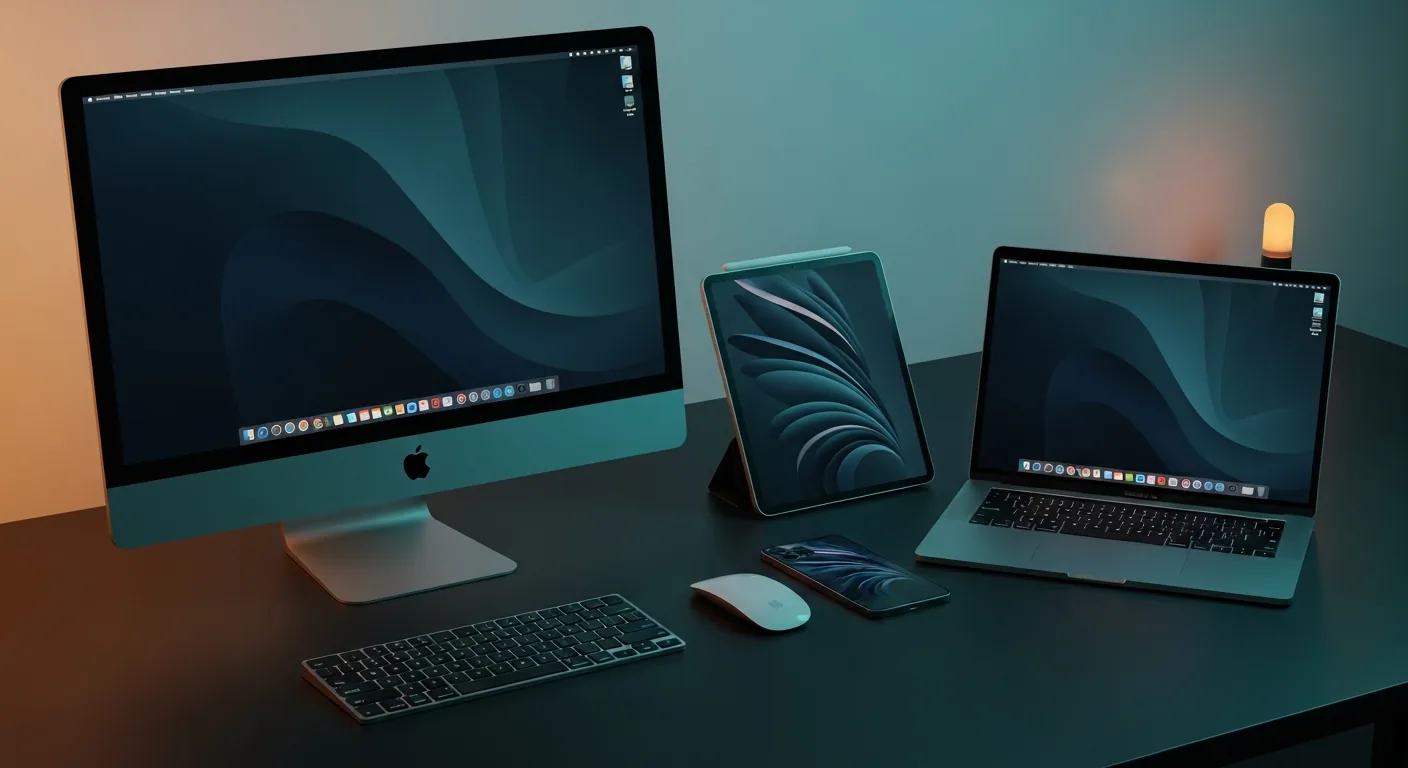
Your Apple ecosystem, working in harmony — every device knowing its role.
Migration & Backup Strategy
Switching to a new device is often the moment when years of accumulated data get lost — or when the new machine simply does not feel like the old one. I prepare every migration carefully so neither of those things happens.
Using Apple’s Migration Assistant, manual transfer strategies, and a thorough inventory, I ensure that no document, photo, password, or application setting gets lost. That applies to Mac-to-Mac migrations as much as to switching from Windows — a transition that goes considerably more smoothly than most people expect.
After migration, we build a backup strategy that fits your life. Local Time Machine backups to an external drive or NAS. iCloud as a second layer. For particularly important data, a third encrypted backup on a drive that does not live permanently connected to your machine.
The 3-2-1 principle for secure backups
Three copies of your data. On two different media. One of them off the machine.
It sounds involved — in practice it runs automatically in the background without any daily thought on your part. I set everything up so the system works for you.
What this service covers
- Full data migration: Mac to Mac, Windows to Mac, iPhone to iPhone.
- Photos migration: Lightroom libraries, Windows photo collections, external drives.
- Time Machine setup on an external drive or NAS.
- iCloud configured as automatic sync and backup layer.
- Encrypted off-site backups for critical data.
- Device wipe before passing on or selling — complete and verified.
- Buying advice: when a new device makes sense, and when it does not.
The best backup is the one you never notice —
until you need it.
Apple Training & One-to-One Coaching
Not every question needs a repair. Sometimes it just needs someone who sits down, explains, and waits until it genuinely makes sense. That is what my Apple coaching is.
I work with you on your own device, in your own space, on the topics that matter to you. No curriculum, no group session — just a calm, focused introduction to the features that will actually improve your day.
We start wherever you are — phone calls, messages, photos, calendar — and go as far as you want: using Siri, creating Shortcuts, truly understanding the camera, setting up AirPods, configuring Apple Pay. Every session ends with concrete next steps you can try on your own.
Possible topics
- Essentials: calls, messages, photos, calendar, email.
- iCloud and synchronisation between all devices.
- Siri, voice commands, and Shortcuts for everyday use.
- Health app, Apple Watch basics, emergency information.
- Apple Pay, Wallet, and digital ID cards.
- Camera and photography: Portrait mode, editing in Photos.
- AirPods: Transparency mode, Siri, switching between devices.
- Security settings: two-factor authentication, Emergency SOS.
This coaching is for anyone who owns Apple devices and feels they are not using half of what is available — and for anyone starting fresh who wants a patient, unhurried beginning.
There are no stupid questions — only features
that have not been explained well enough yet.
Ongoing Support
Technology changes. macOS gets a major update every year. iPhones move faster than habits do. What works well today may need reconfiguring in six months.
I remain your point of contact — not just for the next problem, but consistently. Regular system checks, proactive updates, security reviews, and fast help when something unexpected comes up. No ticket system, no anonymous support — you reach me directly.
Support is delivered on-site, via secure screen sharing, or by phone — whichever fits your situation best. Many questions can be resolved in ten minutes remotely, without me needing to travel.
What this service covers
- Regular macOS and iOS updates — reviewed, not blindly installed.
- Security reviews: passwords, app permissions, privacy settings.
- Fast help for unexpected issues — response within 24 hours.
- Reminders for backups, storage housekeeping, and device maintenance.
- Advice on new Apple devices and software decisions.
Availability & Channels
I respond to enquiries within 24 hours as a rule. Support is delivered in whichever way suits your situation best.
Remote
Secure screen sharing — direct help without travel. Ideal for software questions, iCloud issues, and configuration work.
On-Site
Personal support at your home or office. For hardware setup, migration, and anything that benefits from a second screen in the room.
By Phone
Quick questions, status updates, and first assessments — directly, without a hold queue.
Ready for a setup
that simply works?
Tell me briefly about your situation — I will get back to you personally, usually within 24 hours. The initial consultation is free and without obligation.
— Mohamed Ismail