

A smart home doesn’t have to begin with a construction project or a degree in networking. Apple’s HomeKit ecosystem is designed for people who value simplicity and privacy — and with a single compatible device, the Home app on your iPhone transforms into a surprisingly capable control centre.
Choose a Home Hub First
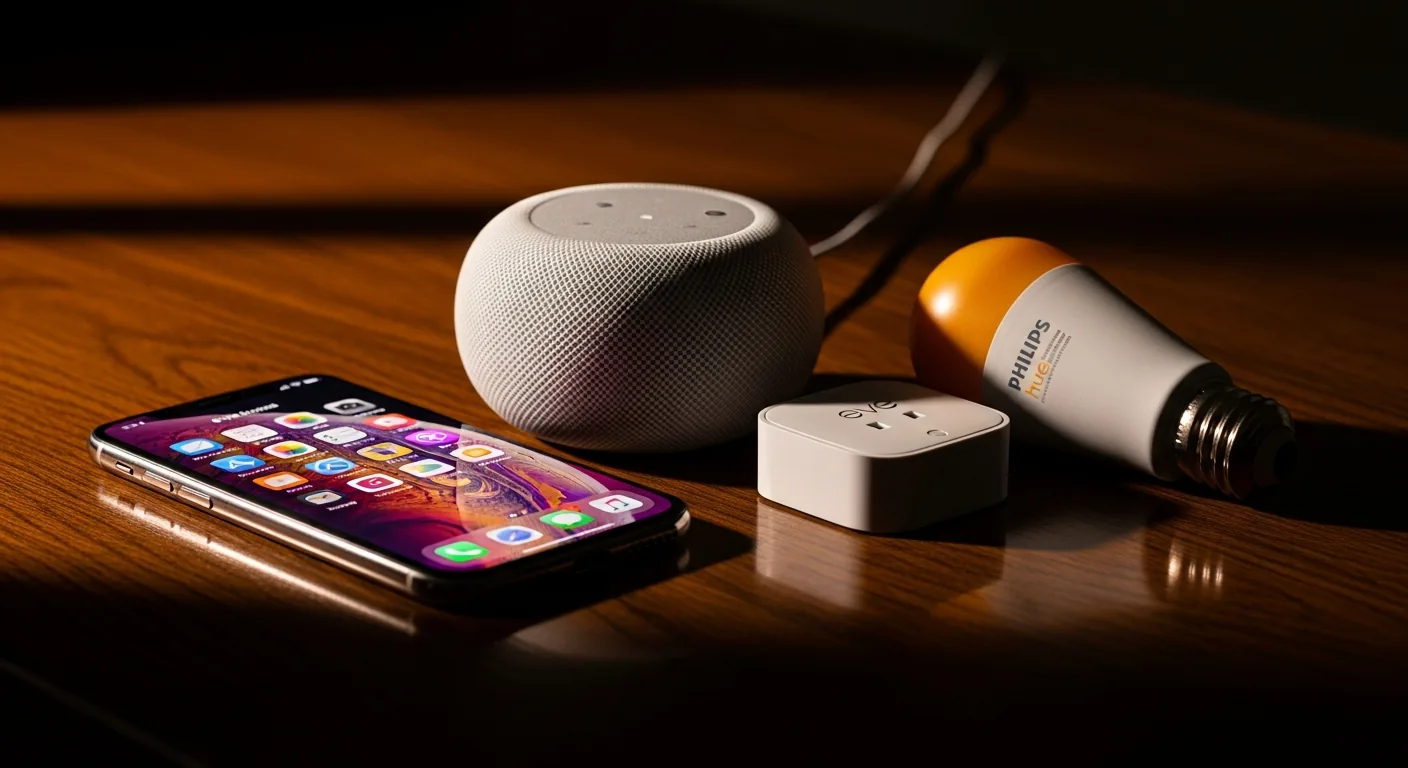
Before adding accessories, you need a home hub — a device that stays in your home and manages automations, remote access, and communication with your accessories when you’re away. An Apple TV (4th generation or later), a HomePod, or a HomePod mini all qualify. The HomePod mini is the most cost-effective entry point and doubles as a capable speaker for music and Siri commands.
Without a hub, you can still control accessories manually when you’re on the same Wi-Fi network, but automations (“turn on the porch light at sunset”) and remote access won’t work. The hub is the quiet backbone of the whole system.
Start Small and Practical
Resist the temptation to automate everything at once. Begin with one or two devices that solve a real daily friction:
- Smart bulbs — a Philips Hue starter kit or Eve Light Strip in the living room. Dim them for movie night with your voice, or schedule them to warm up gradually each morning.
- A smart plug — connect a floor lamp or a coffee machine. “Hey Siri, good morning” can start your day with light and espresso.
- A temperature sensor — Eve Weather or Eve Room. Knowing indoor humidity and temperature gives you data for future HVAC automation and immediately surfaces on the Home app’s dashboard.
Your First Automation
Once you have a hub and at least one accessory, open the Home app, tap the Automations tab, and create your first rule. A satisfying starting point: “When the last person leaves home, turn off all lights.” The Home app uses the location of every household member’s iPhone to determine occupancy — no additional sensors required. The moment everyone steps out, the lights go dark.
The best smart home is one you stop noticing — it simply responds to your life without asking for attention.
From here, layer gradually. Add a door sensor after a month, a thermostat after two. Each addition builds on the logic you’ve already established, and the Home app’s Scenes feature lets you group actions (“Movie Night” dims the living room, sets the light strip to warm amber, and silences notifications on your Apple TV) with a single tap or voice command.
If the terminology or setup process feels daunting, SilberBridge offers a hands-on Smart Home consultation where we configure your first devices together — in your home, on your network, at your pace.


